SETUP GUIDES
Step-by-step guides for putting StreamSlayers overlays on your stream — every screenshot taken from the real settings pages, every step OBS-ready.
Prefer to watch? Video tutorials are on YouTubeSubscribe to the StreamSlayers channel for step-by-step setup videos — click here.Watch →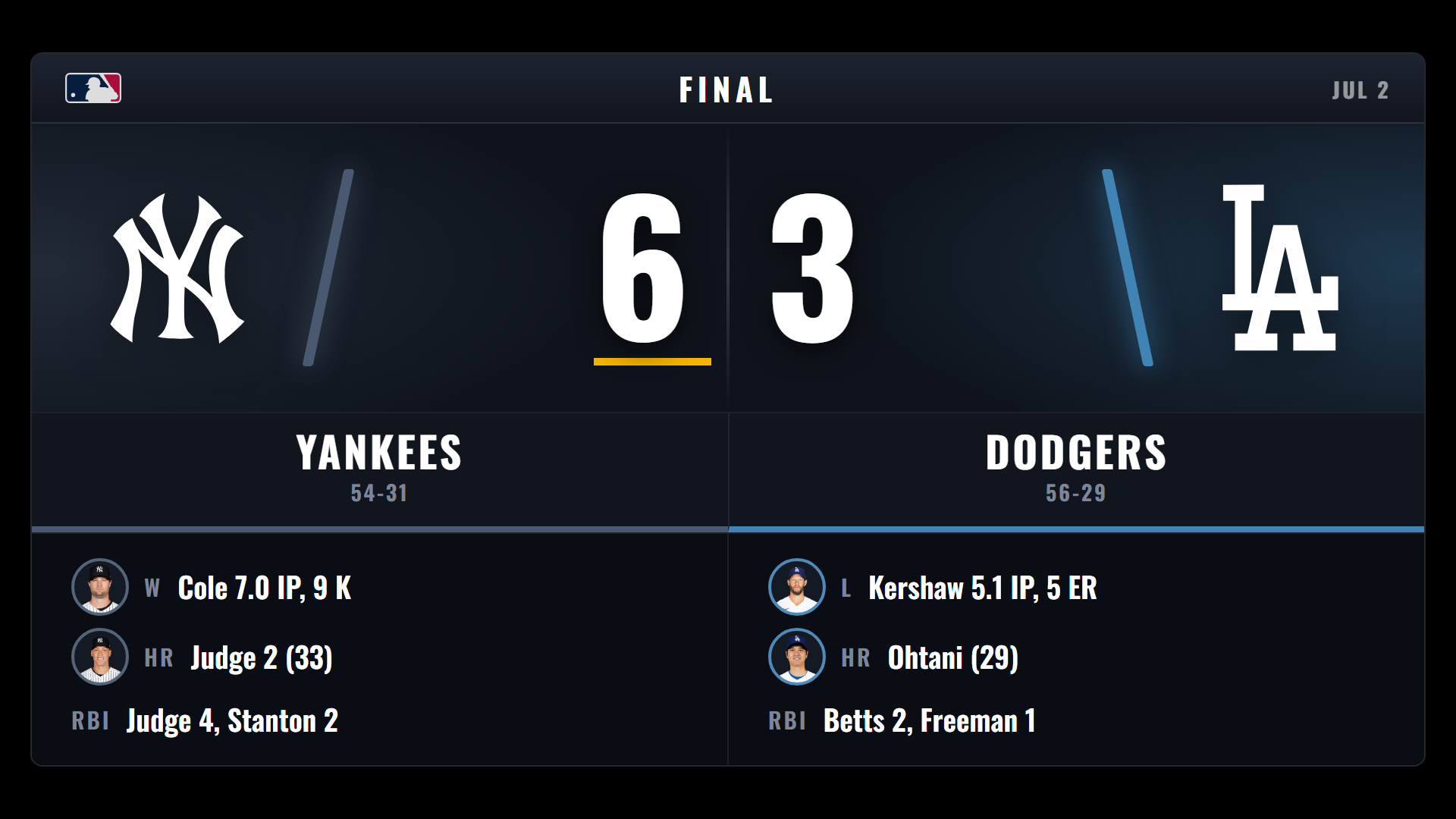
SCOREBOARD · COMPARISON
The best scoreboard overlays for OBS, compared
Automatic or manual? StreamSlayers, OBScoreboard, ScoreLayer and KeepTheScore compared: how the score updates, sports covered, OBS support and price.
October 14, 2026 · 6 min read
SCOREBOARD · SETUP GUIDE
How to add a live scoreboard overlay to OBS
Add a live scoreboard to OBS in five minutes — 38 leagues, five broadcast styles, and an Around the League grid that puts every game of the day on one board.
August 21, 2026 · 10 min read

MULTI-SPORT SCOREBUG · SETUP GUIDE
How to add a live scorebug overlay to OBS
Put an auto-updating scorebug on your stream in five minutes — 10 broadcast themes across 32 leagues, from NHL and NFL to MLB and the World Cup.
August 21, 2026 · 11 min read

BROADCAST TICKER · SETUP GUIDE
How to add a scrolling sports ticker to OBS
Add a broadcast bottom-line ticker to your stream: live scores from 35 leagues, news headlines with player art, standings and stat leaders, in 9 styles. Full OBS guide.
August 21, 2026 · 11 min read · includes video
GRAPHICS · SETUP GUIDE
How to add lower thirds & broadcast graphics to OBS
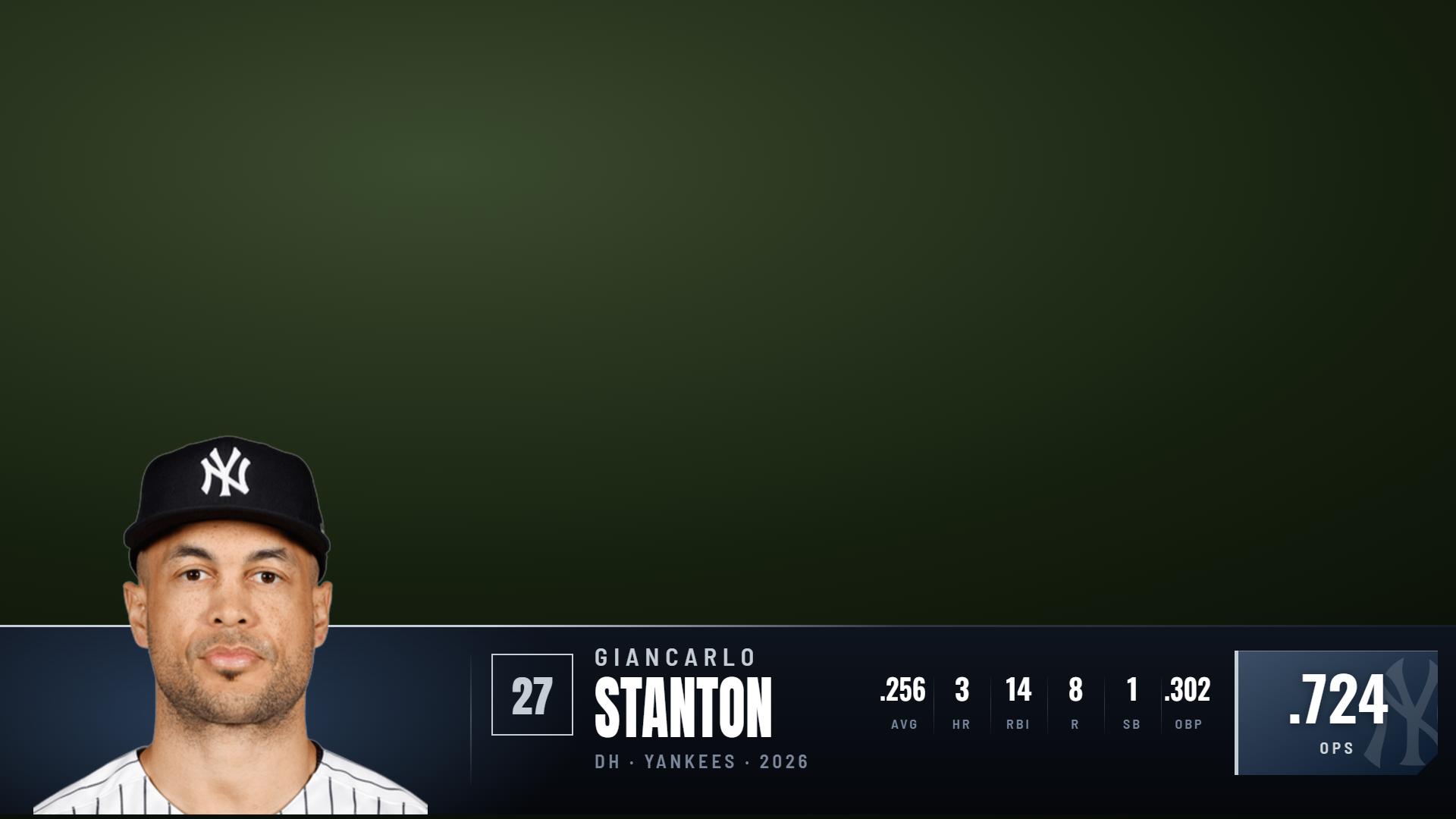
Add animated lower thirds, 3D titles, live stat cards, standings boards and social-post embeds to OBS with one browser source — 91 broadcast designs.
August 21, 2026 · 12 min read · includes video

COMMAND CENTER · CONTROL GUIDE
Control every stream overlay from one board
Stop alt-tabbing between eight settings pages mid-show. The StreamSlayers Command Center runs every overlay element — graphics, GIFs, scorebugs, ticker, timers — from one live board.
October 14, 2026 · 8 min read
TOPICS · SETUP GUIDE
How to show discussion topics on stream
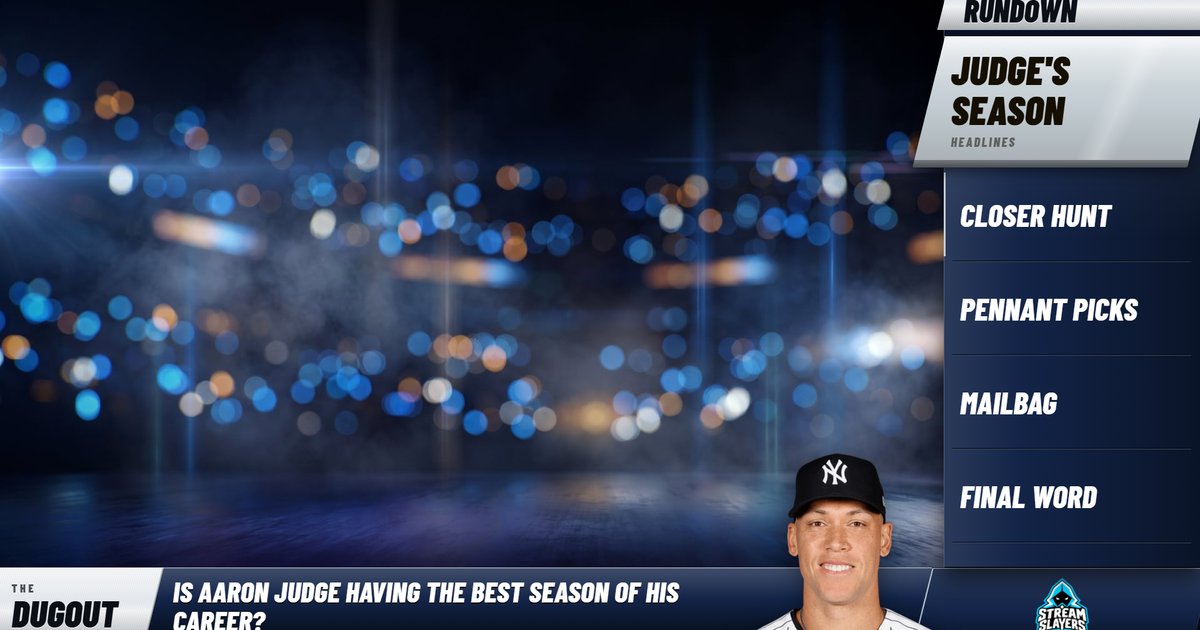
Put your show's rundown on screen in OBS: a panel, an L-Rundown, a question bar or a topic bar, up to three shows on one link, team colors, a player on the bar, and live control.
October 13, 2026 · 10 min read
GIF PLAYER · SETUP GUIDE
How to trigger GIFs & stingers on stream
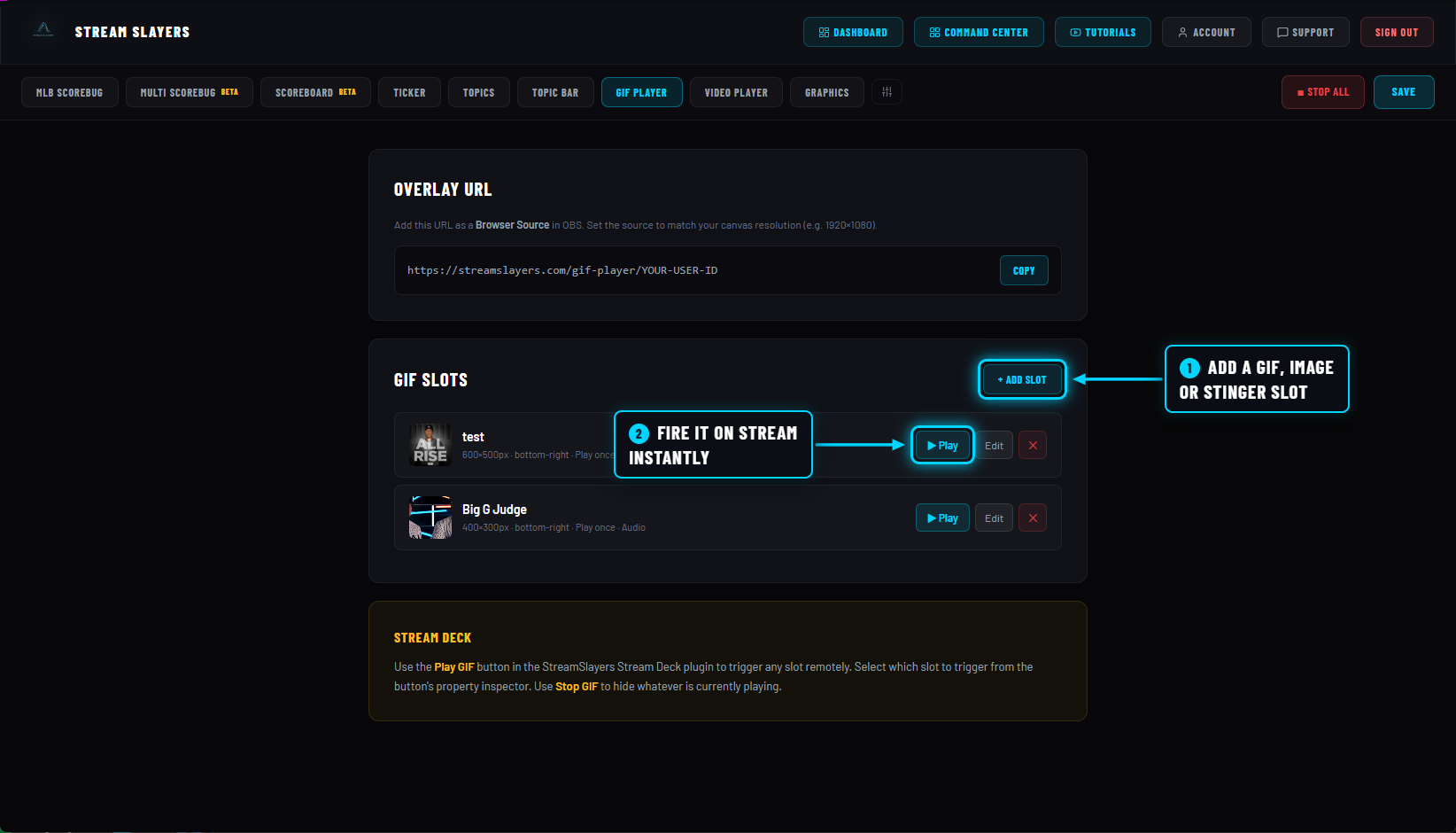
Fire GIFs, images and stingers on stream with one click or a Stream Deck key — audio, 9 positions, 13 transitions and three auto-hide modes. Full OBS setup guide.
August 21, 2026 · 8 min read
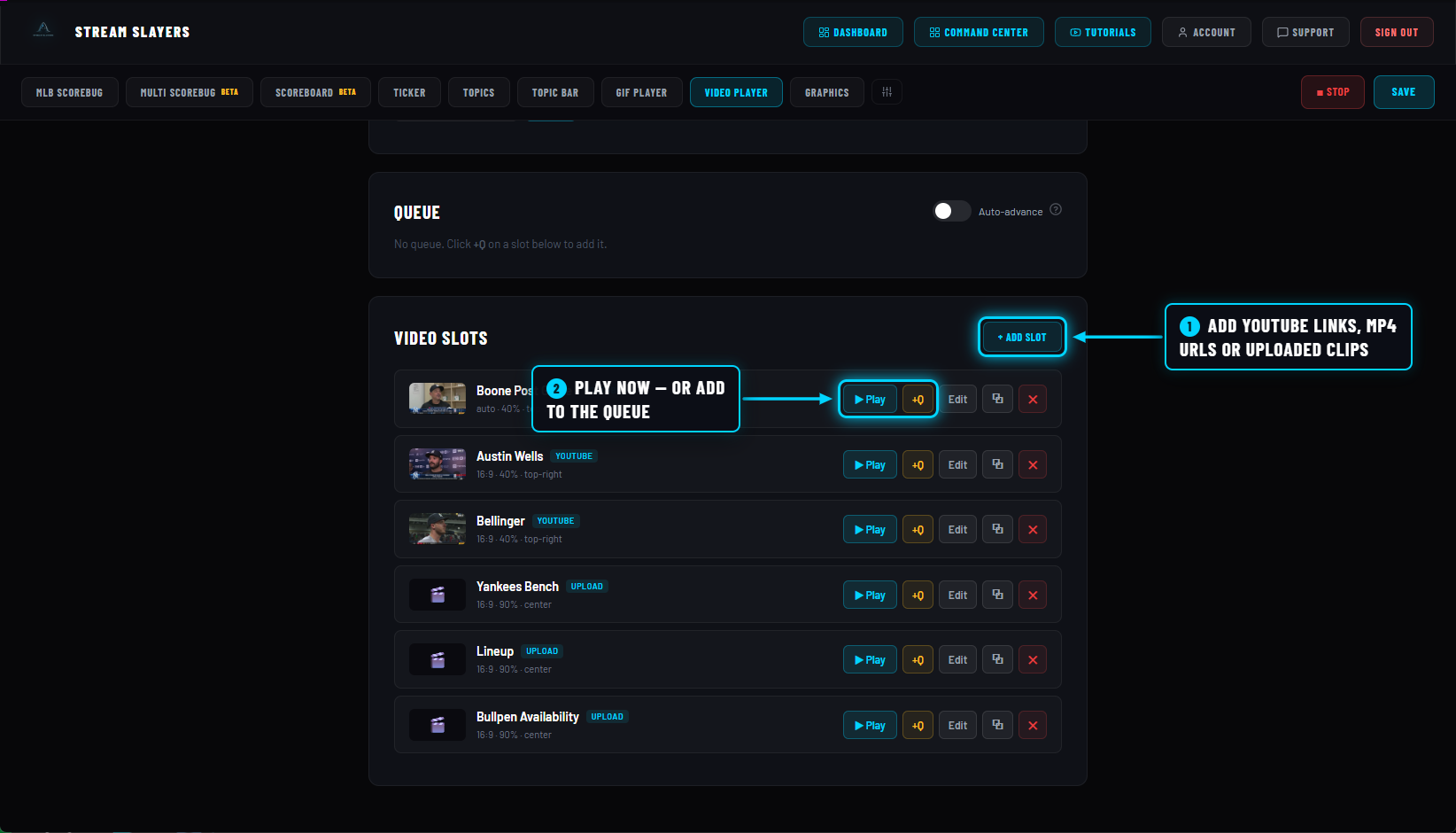
VIDEO PLAYER · SETUP GUIDE
How to play YouTube & video clips live on stream
Play YouTube clips, MP4 links and uploaded videos live on stream — nine positions, 16:9 or 9:16 sizing, live play/pause/seek/volume, and a queue with auto-advance. Full OBS setup.
August 21, 2026 · 9 min read
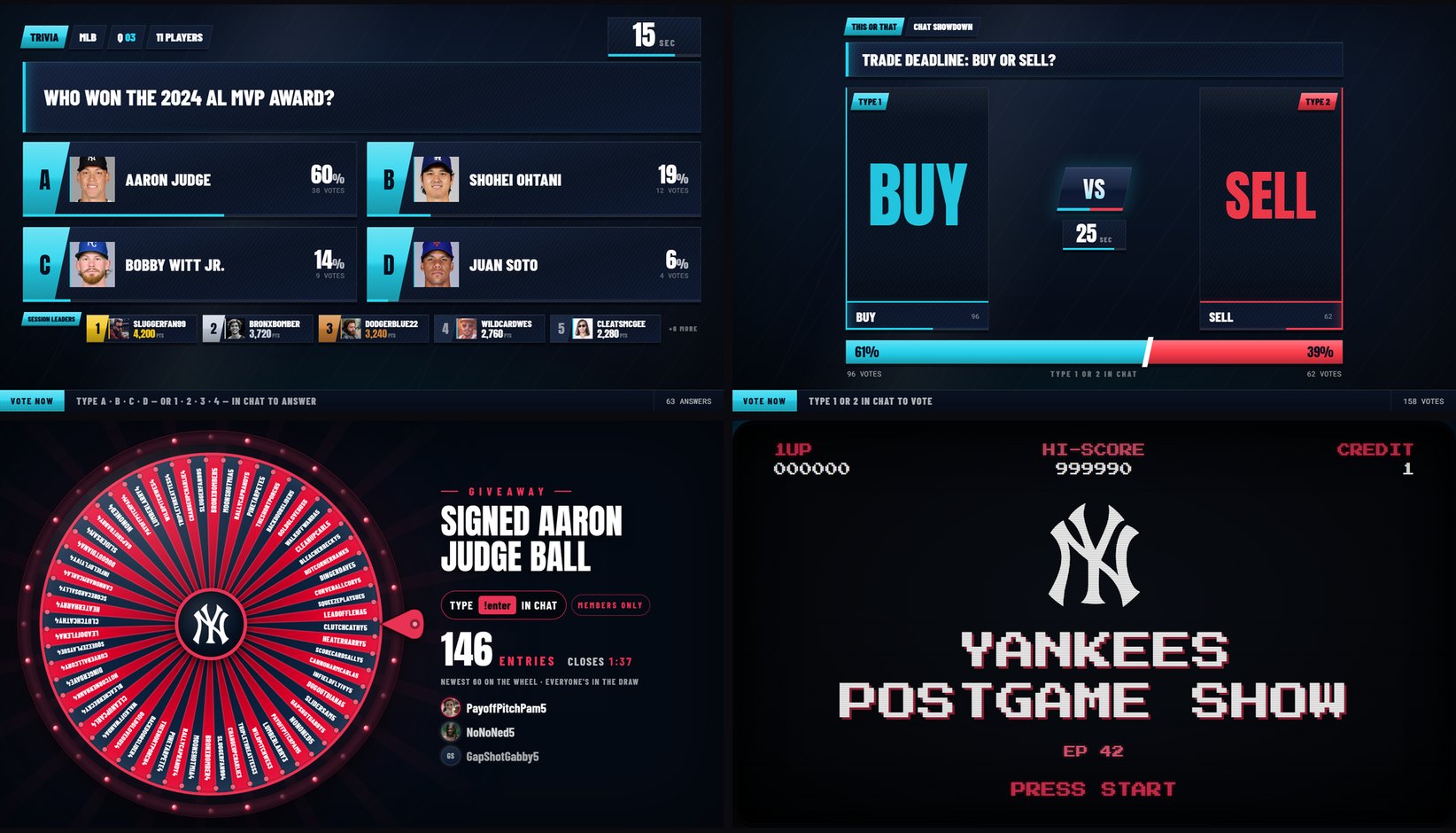
CHAT HIGHLIGHT · BETA GUIDE
How to put YouTube chat on stream and run chat games
Show your viewers' YouTube live chat messages on stream in broadcast designs and run trivia, This or That, giveaways and more from chat. Full OBS setup. In beta for Pro Slayer through October 23, 2026.
September 25, 2026 · 10 min read