Countdown Clocks
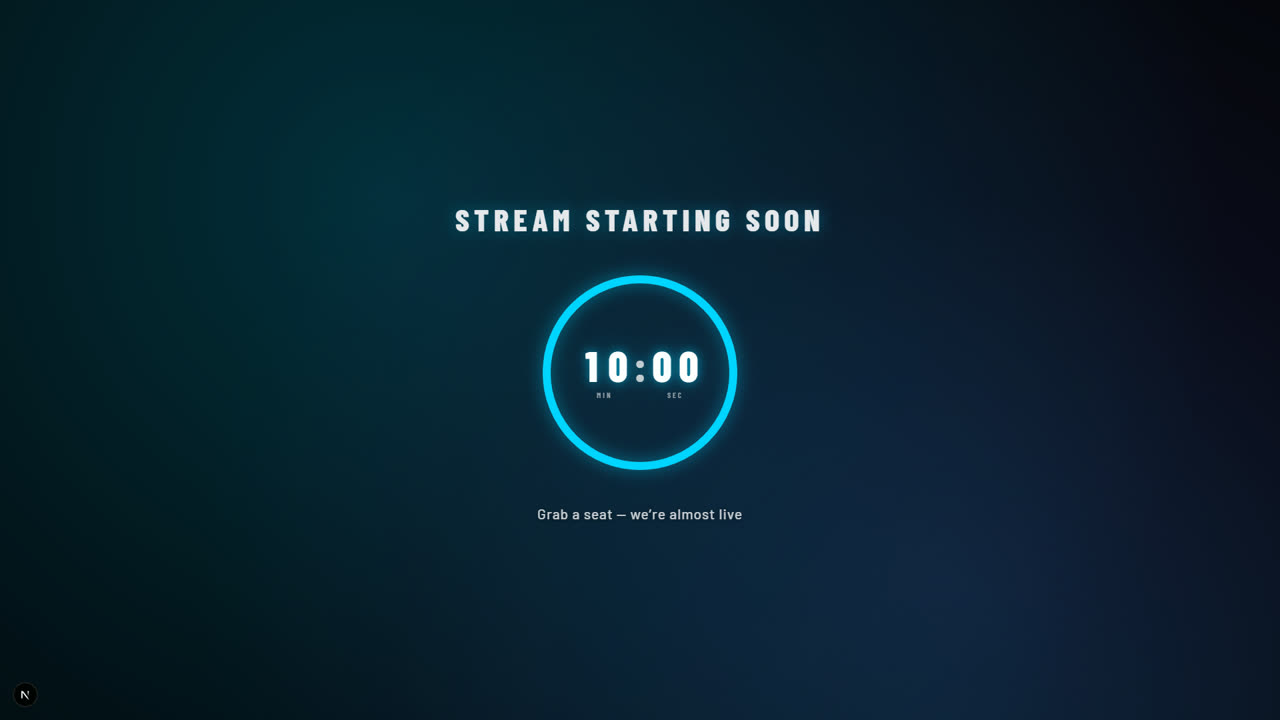
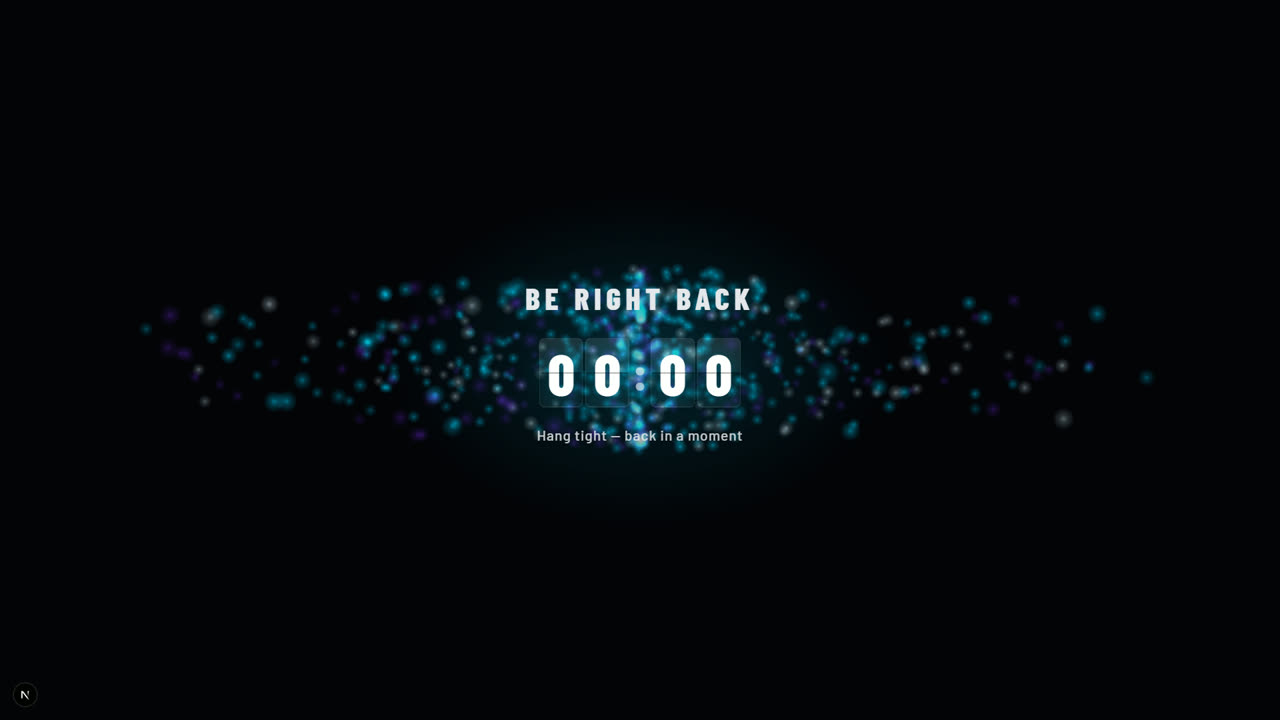
Starting Soon, Be Right Back, halftime and giveaway countdowns, made as clock graphics in the Graphics app: a full-screen slate, a lower-third band, a corner bug or a big clock over your scene. Show one like any graphic, run the timer live, and it rests at 0:00 until you take it off.
Make a countdown in Graphics: + New graphic, then Clocks. Already using the old Countdowns page? Its overlay links in OBS keep running, and Import my countdown scenes in Graphics brings your scenes over.
FEATURES
FOUR CLOCK GRAPHICS
A full-screen Countdown Slate for Starting Soon and Be Right Back, a Countdown Band lower third, a small Countdown Bug for the corner, and a Countdown Takeover: a big clock over your own scene.
FOUR TIMER MODES
Count down a length, count down to a time of day ("we start at 7 PM"), count down to a date, or count up from zero.
CLOCK FACES
Huge editorial figures, a heavy slab, a ring or an arc that runs down, a rolling odometer, flip cards, a progress bar, an old-school stopwatch, a needle meter that winds down, or a studio clock that loses a dot every second.
BROADCAST STYLES
Draw any clock in its original design or in the MVP 3D (Metal, Glass) and Flagship looks that match the StreamSlayers scorebugs and scoreboards. MVP 3D and Flagship are MVP Slayer styles: open to every paid plan through October 23, 2026, and part of MVP Slayer from October 24.
READY-MADE PRESETS
Starting Soon, Be Right Back, Halftime, Intermission, Kickoff, First Pitch, Tip-Off, Puck Drop, Giveaway, Draft Clock and Stream Ending: the words and the length in one click.
FULL SCREEN, YOUR BACKGROUND
The slate fills the screen edge to edge over a picture, a video, a color, a wall of your logo or a motion loop, or goes transparent so only the clock and its words sit over your stream.
THE END MOMENT, YOUR CALL
A clock rests at 0:00 until you take it off, or swaps in your end message ("WE ARE LIVE"), flashes, fades or hides itself. A warning color in the final minute, a pulse and a tick in the final ten, and an end sound if you want one.
MUSIC WHILE IT RUNS
Upload a track to play while the countdown runs, looped at the volume you set, stopping at zero or playing on until the graphic comes off.
LIVE CONTROL
Start, pause, reset, add or take off a minute, or skip to zero from the Graphics editor or the Command Center. Show and hide a clock from a Stream Deck key, like any graphic.
16:9 AND 9:16
Every clock airs on your landscape stream and on your vertical one.
TECH SPECS
HOW IT WORKS
- 1
Make a clock
In Graphics, click + New graphic, then Clocks, and pick the slate, the band, the bug or the takeover. Start from a preset like Starting Soon or Be Right Back.
- 2
Set the timer and the look
Choose the mode and the length, or the time it counts to, then the style, the clock face, your words and the background.
- 3
Add your Graphics source
Your clocks air on your Graphics overlay URL: add it to OBS once as a 1920 x 1080 browser source.
- 4
Go live
Show the clock and it starts. Pause it, add a minute or skip to zero from the editor or the Command Center, and take it off when you are ready.
PRICING PLANS
Countdowns are clock graphics in the Graphics app, and they come with every paid plan: a Single App plan, whichever app it picks, Pro Slayer and MVP Slayer. From October 24, the MVP 3D and Flagship clock styles are part of MVP Slayer.
Single App
Pick any app — the countdown clocks come with it.
or $11.99/mo billed annually
From October 23: $19.99/mo, or $15.99/mo billed annually. Subscribe before then to keep today's price.
- 1 app of your choice
- Countdowns, GIF Player, Video Player & Topics included
- Real-time live data
- Full customization
- Monthly or annual billing
Pro Slayer
All Pro Slayer overlays and apps.
or $23.99/mo billed annually
- All Pro Slayer overlays & apps
- Real-time live data
- Streaming Assets: OBS stingers & more
- Priority support
- Monthly or annual billing
No contracts · Cancel anytime · Secure checkout
Single App goes to $19.99/month on October 23, 2026. Subscribed before then? You keep your price while your plan stays active.
Questions before you buy? The fastest way to reach us is our Discord.
No contracts · Cancel anytime · Secure checkout