Live Topics
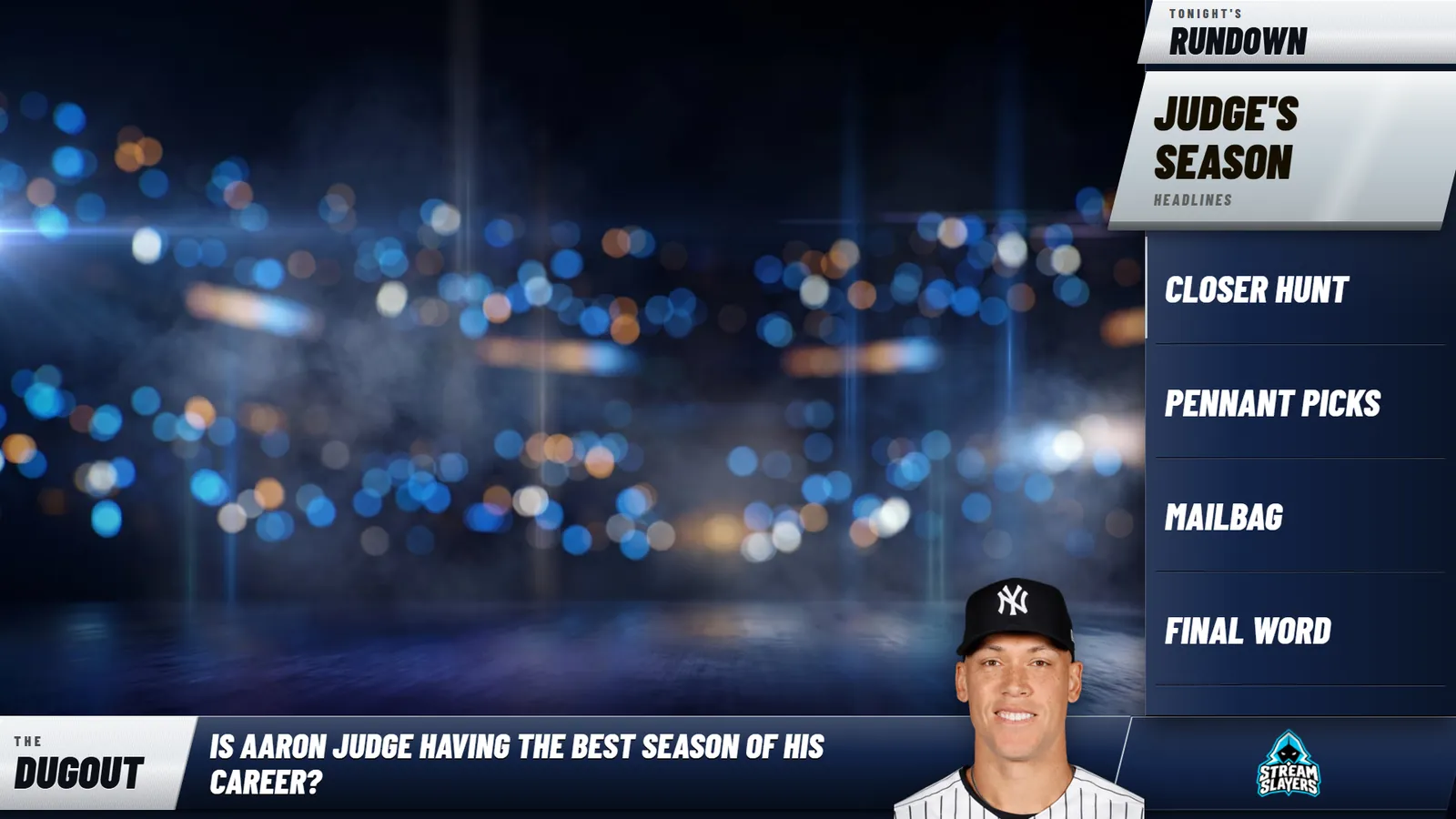
Your show's rundown on screen, network style. A panel, an L-Rundown, a question bar or a topic bar, in your team's colors, with a player standing right on the bar. Highlight the topic you're on and the overlay follows you live.
Already ran the Topics Panel or the Topic Bar? One press turns them into your first two shows, and your old links keep working. See the setup guide →
FEATURES
UP TO 3 SHOWS, ONE LINK
Build up to three shows, each with its own type, look, settings and topics, all on one OBS link. Press SHOW and the link switches to it: you never touch OBS to change shows.
FOUR WAYS ON SCREEN
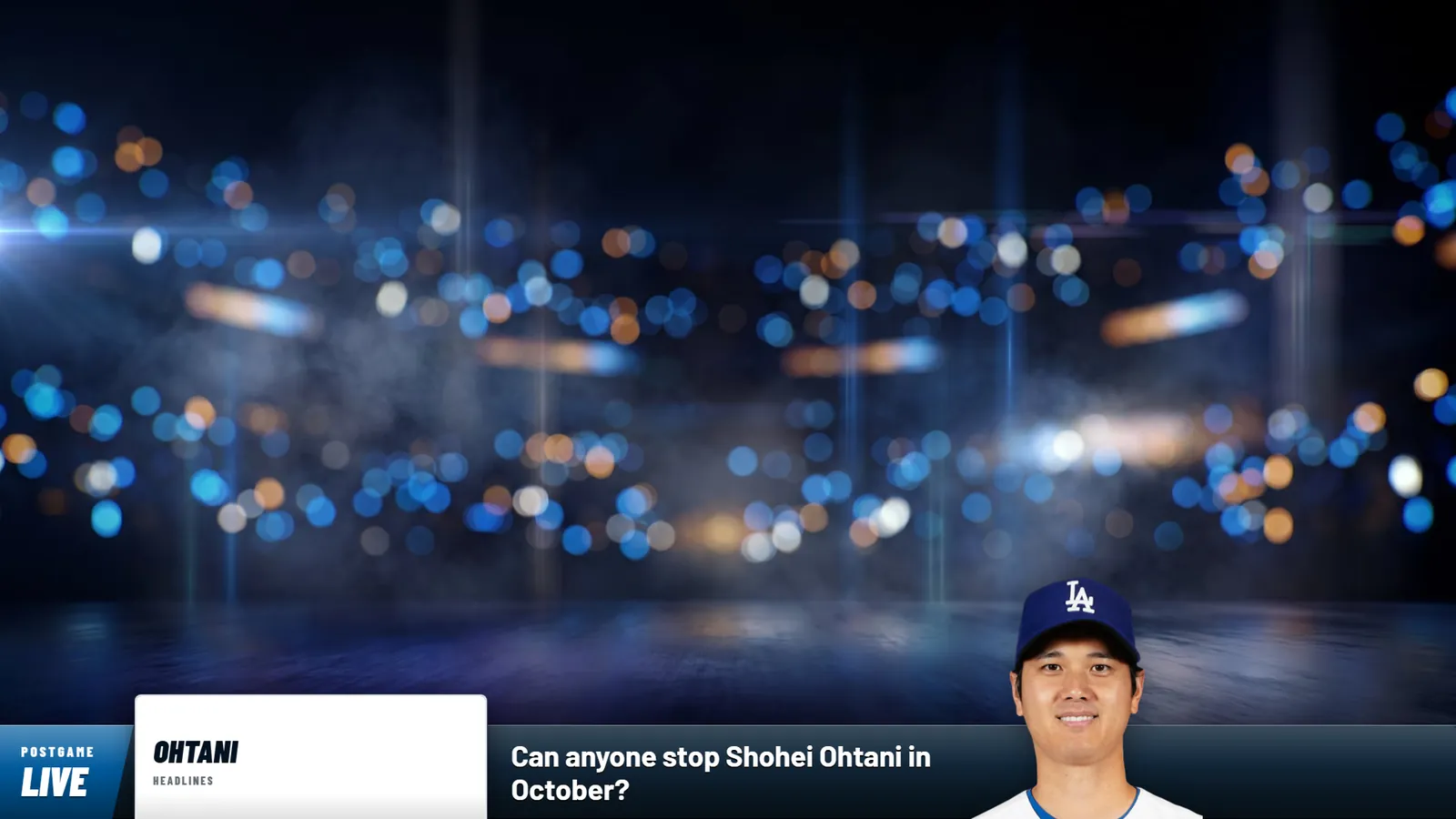
A Panel down one side, an L-Rundown with the question across the bottom, a Question bar with just the topic on air, or a Topic bar with every topic across the bottom. In 16:9 and 9:16.
NETWORK-STYLE LOOKS
Velocity and Marquee, made for sports talk shows and podcasts, plus the Classic look. Any team in any league puts its colors on the show in one click, and Mix moves them around seven readable ways.
A PLAYER ON THE BAR
Type a name, pick a picture, remove the background, crop it and place it on the bar, with a live preview of exactly what goes on stream. The question moves over to make room.
HEADLINES BY TEAM OR PLAYER
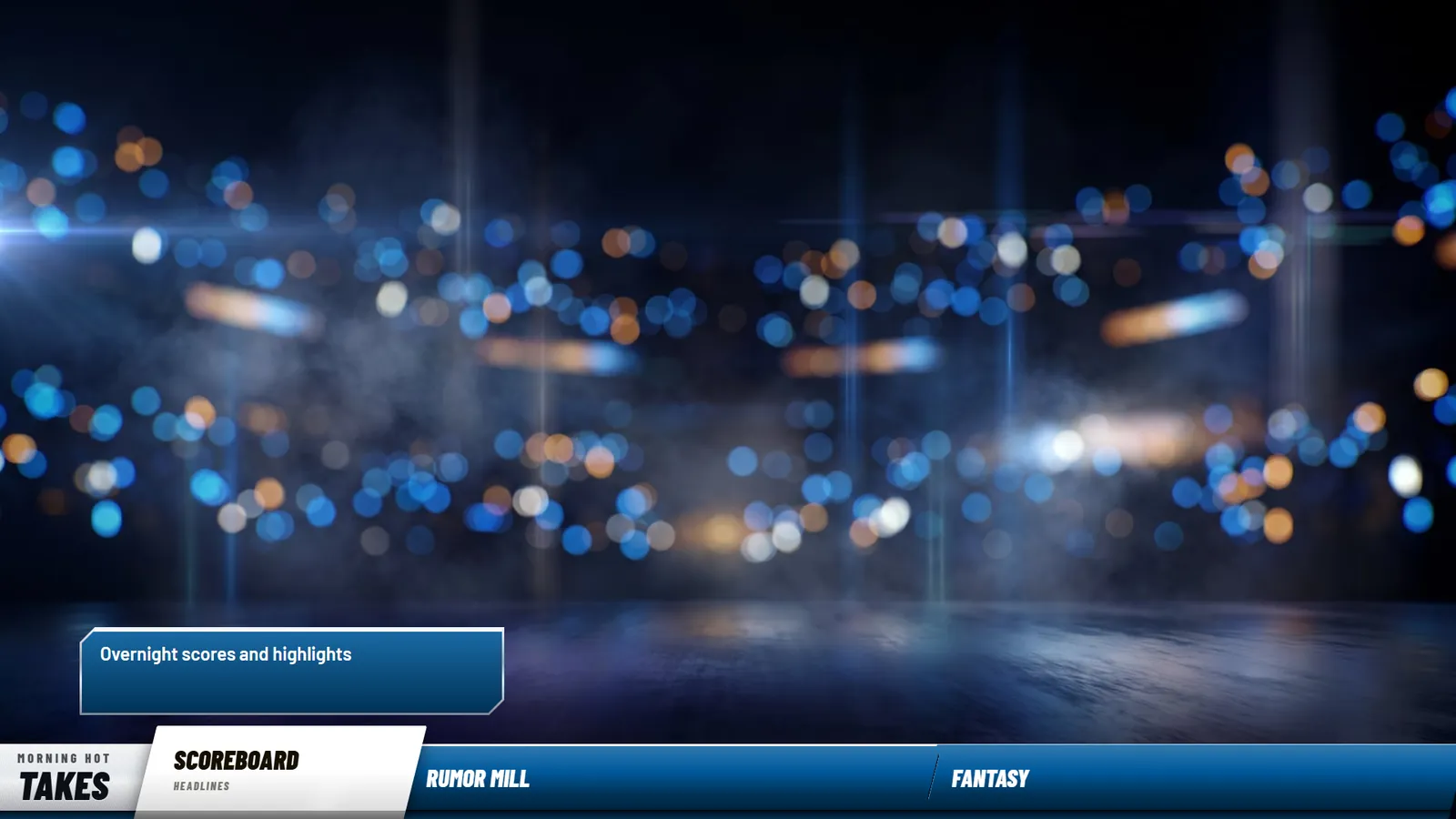
Search a team or a player and the latest headlines about them drop straight into your rundown, with the photo. Or load whole leagues.
LIVE CONTROL
Highlight the topic you're on and the overlay follows instantly, no refresh. Run it from the settings page, the Command Center or a Stream Deck.
YOUR BRAND, YOUR SPONSOR
Your show name or your logo on the bar, a show image, and a sponsor tile your way: the whole logo at any size from 40 to 200%, or filling the tile edge to edge.
MEDIA, SOUNDS AND GRAPHICS
Images and GIFs for every topic, a sound when a topic goes on air, videos on a timer, and Graphics designs that come on screen with the topic.
APPEARANCE & CUSTOMIZATION
- Three looks: Velocity, Marquee and Classic
- Team colors for any team in any league, plus Mix
- Your own colors for the bar, the live topic and the show plate
- Show name, or your logo on the bar
- Sponsor tile: Contain, Fill or Off, sized 40 to 200%
- Show image and an L-Rundown title plate
- Panel on the left, in the middle or on the right; the L on either side
- Sits right on top of your Broadcast Ticker and moves with it
- Overlay language in English or Spanish
- 16:9 and 9:16 from the same show
TECH SPECS
HOW IT WORKS
- 1
Add your one link
Copy your Topics link into OBS as a 1920 × 1080 browser source. It draws whichever show is on air.
- 2
Set up a show
Pick its type, its look and your team colors, then add your show name or logo and a sponsor.
- 3
Write the rundown
Add your topics, put a player on the bar, or pull in headlines by team or player.
- 4
Run it live
Highlight the topic you're on, and switch shows with one press, from the page, the Command Center or a Stream Deck.
WORKS WITH OUR OTHER APPS



STEP-BY-STEP SETUP GUIDE
How to show discussion topics on stream — with annotated screenshots
PRICING PLANS
Topics comes with every Single App plan — pick any app and Topics is included. Or get all Pro Slayer overlays and apps.
Single App
Pick any app — Topics comes with it.
or $11.99/mo billed annually
From October 23: $19.99/mo, or $15.99/mo billed annually. Subscribe before then to keep today's price.
- 1 app of your choice
- Countdowns, GIF Player, Video Player & Topics included
- Real-time live data
- Full customization
- Monthly or annual billing
Pro Slayer
All Pro Slayer overlays and apps.
or $23.99/mo billed annually
- All Pro Slayer overlays & apps
- Real-time live data
- Streaming Assets: OBS stingers & more
- Priority support
- Monthly or annual billing
No contracts · Cancel anytime · Secure checkout
Single App goes to $19.99/month on October 23, 2026. Subscribed before then? You keep your price while your plan stays active.
Questions before you buy? The fastest way to reach us is our Discord.
No contracts · Cancel anytime · Secure checkout